
No going back to re-measure. No excuses.
Some tools do the job. Some tools you trust. CVSM turns a laser meter and an Android tablet into a complete workstation — measure, draw, and export straight into Cabinet Vision. Walk in, measure, walk out. And the measurement is right.
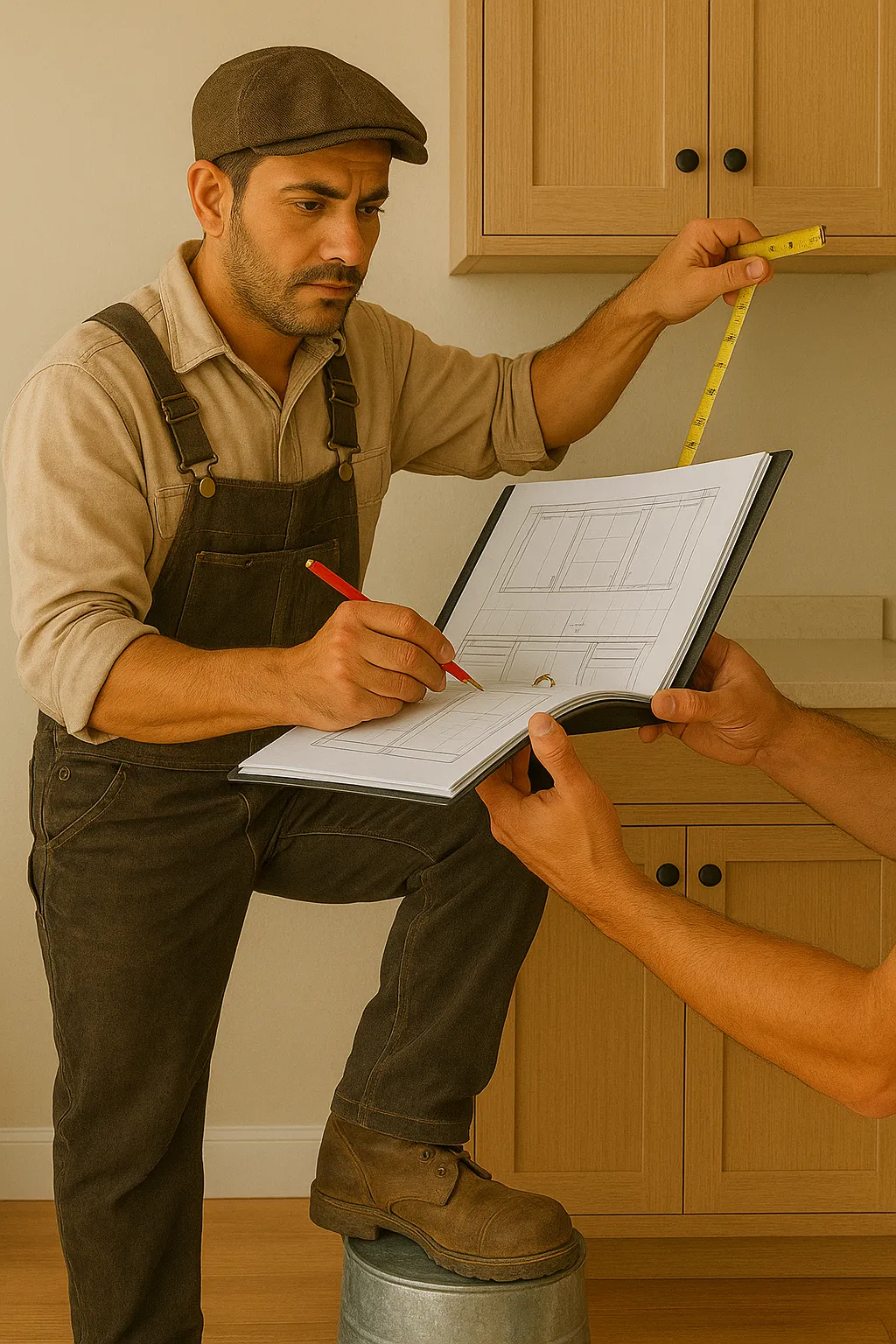 The new way: an installer measuring a kitchen with a rugged tablet and a laser meter Then Now, with CVSM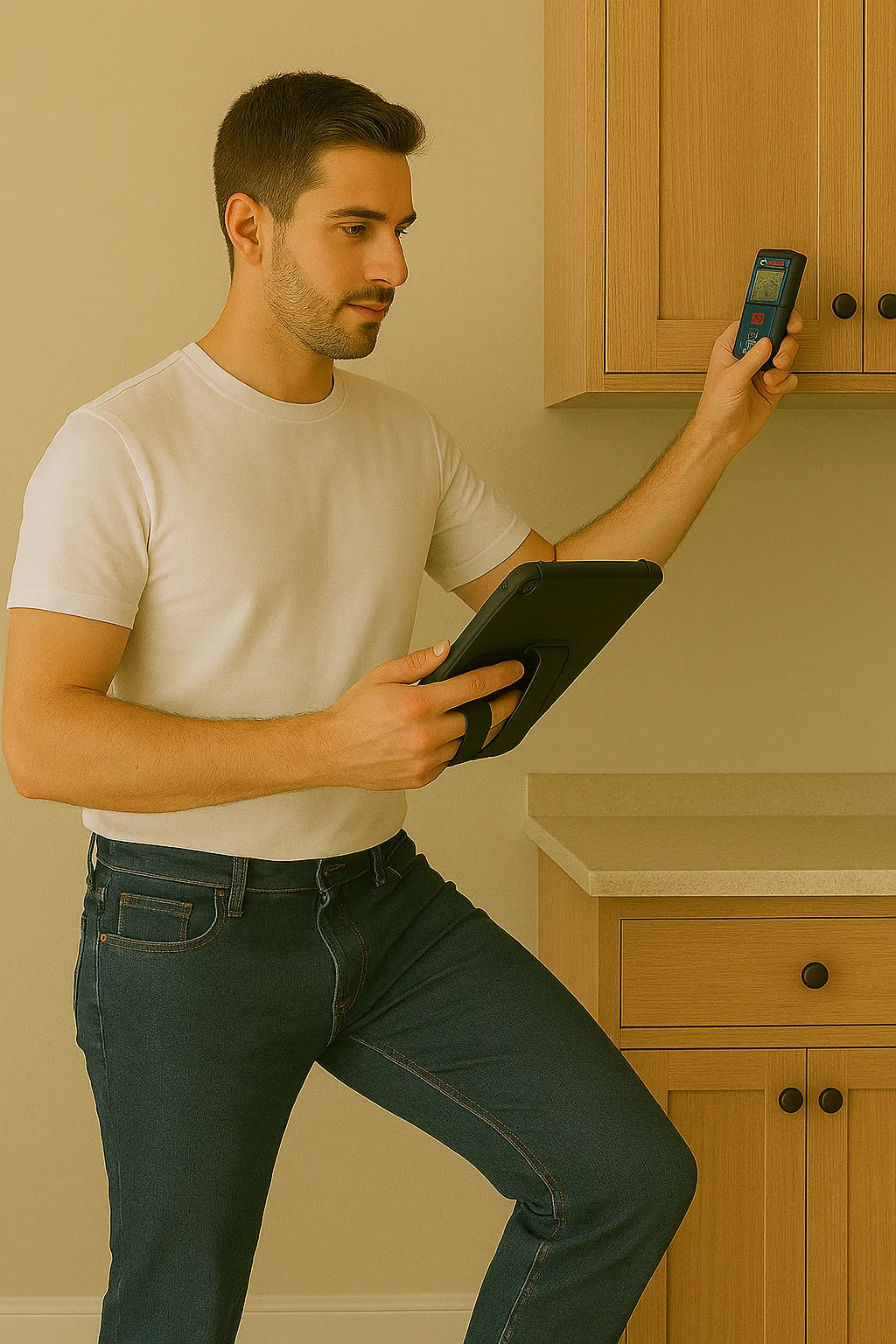
- 2
- taps for a full room scan
- ± 1.5
- mm measuring accuracy
- 50
- meters of laser range
- 4
- full interface languages
There's a moment you look at your measurement and simply know it's correct.
One minute from the field — this is what measuring a room with CVSM looks like.
Measure → Draw → Export
One digital chain: a laser shot on site, a live drawing on the tablet, and a production-ready Cabinet Vision file. No re-typing, no CAD redraw back at the office.
Smart Scan: two taps, and a whole room closes.
Smart Scan (Scan 2.0) — two laser shots per wall, walking one direction around the room. No wall-count entry, no taps between shots. The app detects on its own when the perimeter closes and announces it out loud; floor and ceiling shots give a real measured room height — and the plan draws itself on screen while the laser is still in your hand.
-
Quick Measure — an element in four shots
A window, door, or socket lands in the drawing with four laser shots: two diagonal corners for width and height, a floor shot for height-off-floor, and a side shot that auto-detects left or right wall placement — with a spoken confirmation.
-
A “Measure” button on every field
On every numeric field in the app: one tap, and the next laser shot fills exactly that value. Sensitive fields also get a three-shot reading — max, mid, and min.
-
Engineered for millimeter accuracy
The math separates each shot's true horizontal length from its height component — the classic “3D diagonal” error — and corner intersections are validated against geometric proofs. Verified against real installer work in the field, not just unit tests.
-
The scan is never lost
Bluetooth dropped mid-scan? The session is preserved, a reconnect prompt appears (spoken, too), and the survey resumes from the same point the moment the laser comes back.
Real CAD drafting — on site, not at the office.
An interactive 2D canvas with pinch-zoom anchored exactly under your fingers, automatic endpoint snapping, and auto-framing after every new wall. Standard walls, islands, and true arc walls; vault, cathedral, and peninsula shapes — including a “virtual transparent wall” for open-plan boundaries — all exported to Cabinet Vision with correct elevation geometry.
-
Elevation mode for every wall
Sockets, water, gas, windows, ceiling drops, and comments — every accessory is placed with from-left / from-right / from-bottom, and every field has its own “Measure” button.
-
Real-time 3D preview
The room builds itself in 3D as you work: walls at true height and thickness, arcs as genuinely curved geometry, accessories in place — orbit, zoom, and wireframe mode.
-
Elements stay put
Extending or trimming a wall never silently relocates an already-placed window or socket in real-world space — behavior audited across all seven wall-editing code paths.
-
16 drawing layers
Toggle exactly the annotation layers you need, with saved presets — a clean drawing for the client, a detailed one for production.
From the tablet — straight to a production file.
Nothing is left “to go over at the office”: an ORDX file ready for Cabinet Vision and an architectural PDF for the client. All of it born from the measurement itself — zero re-typing.
Works with the professional lasers already on site.
Drag to rotate — every device in 3D, including the real app screen on the tablet.
Loading model…
Drag to rotate
-
Bosch GLM 50C
App-triggered remote measurement over Bluetooth LE — seven measurement modes: front/back, tripod, continuous min-max, and angle. 0.15–50 m range, ±1.5 mm accuracy, auto-connect to saved devices with custom naming.
-
Leica DISTO X6 + DST 360
Self-leveling true-3D point capture — laser-driven wall creation directly in Plan Mode.
-
ESP32 Rotary-Encoder Accessory
Full 2D polar room surveys with a distance-only laser — an accessible, lower-cost hardware path to the same workflow, no 3D unit required.
3D models are illustrative only, with no logos. Bosch and Leica are trademarks of their respective owners.
Bosch and Leica Capabilities, Combined with the Measuring App
A summary of the measuring system's capabilities and the key differences between working with a Bosch laser meter and the Leica system.
| Bosch GLM 50C | Leica DISTO X6 + DST 360 | |
|---|---|---|
| Measurement types | Linear measurement · angle measurement via the Golden Triangle method · min/max measurement | Everything Bosch can do · wall and infrastructure measurement via P2P · wall-shape capture · radius and rounded-corner measurement · measuring from a fixed location |
| Bluetooth | Yes | Yes |
| P2P (point-to-point) | No | Yes |
| Coordinates | No | Multiple defined coordinates |
| Recommended for | Standard rooms | Complex rooms |
Bosch: a fast and efficient solution for measuring standard rooms.
Leica: an advanced solution for measuring complex rooms and complex geometry.
When to Choose Which
Bosch GLM 50C — Choose Bosch when rooms are standard and square, and speed is what matters — connect, shoot, get a result.
Leica DISTO X6 + DST 360 — Choose Leica when there are curved walls, rounded corners, non-standard geometry, or when you need to measure from one spot without direct access to every wall.
Bosch and Leica are trademarks of their respective owners. This comparison is based on how each device integrates with the CVSM app.
Documents
Bosch vs Leica — Full Comparison
The original comparison between the Bosch laser meter and the Leica system: measurement types, Bluetooth, P2P, coordinates, and a usage recommendation for each.
You send it straight to production, and you're at ease.
One chain, one file, zero re-typing — from the first wall to the CNC.
A byte-exact catalog match
Catalog names in the exported ORDX match Cabinet Vision's own database catalog byte-for-byte — the field measurement flows straight into a production-ready file with no manual remapping. Verified with a real round-trip import test.
Full geometry
One file per project or one per room — including arc walls and vaults, complete accessory mapping, and customer plus ship-to details.
Architectural-quality PDF
A real title block, true drawing scales (1:20 / 1:25 / 1:50 / 1:100) with a scale bar, a proper line-weight hierarchy, collision-free dimensions, correct RTL Hebrew, and door-swing symbols.
“From the measurement to the machine”
Not just a file for the CNC — a PDF you can send today.
A real export from the app, on a test project: a cover sheet with the project summary, a room-data table (walls, accessories and cabinets), a true-scale floor plan (1:50), and two wall elevations with full running dimension chains (1:25 and 1:40) — all with a real title block and a scale bar.
Documents
Sample Export PDF
A real PDF exported by the app from a test project: a cover sheet, room data, a true-scale floor plan, and wall elevations with full running dimension chains.
And the client standing next to you sees exactly who they're working with.
A real screen recording of a room scan, and the working screen as it is — no retouching.
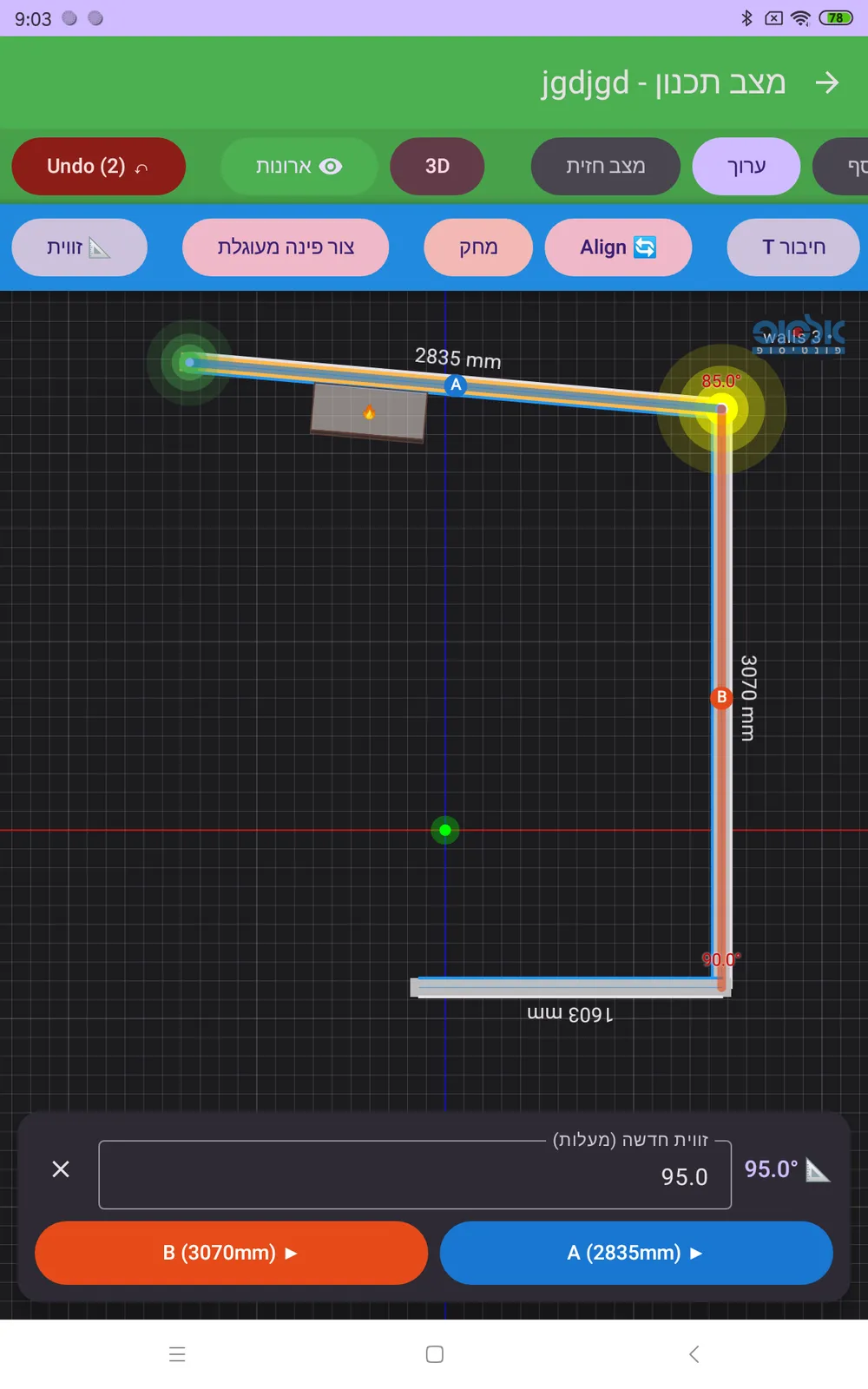
The hardware, the screens, and the walkthroughs behind the scenes.
More images and documents coming soon.
Built from the field.
Four languages, zero compromise
Hebrew (RTL), English, Russian, and Arabic — roughly 980 interface strings translated in every one of them. No language trails behind.
Automatic updates
An auto-update channel: every crew tablet picks up the latest build by itself, with “What's New” cards inside the app.
Live installer demos
The app is in genuine daily field use, and is shown in live demos to installers.
Elsop design
One consistent design language across the app, including an extra-dark true-black mode for bright-sun and dark-room work alike.
- 980
- interface strings per language
- 16
- toggleable drawing layers
- 7
- Bosch measurement modes
- 4
- languages in parallel
This isn't another version. This is the one that changes your workday.
CVSM 5 by Elsop — licensed per team. The app is not on the Play Store: it is distributed directly by Elsop, with automatic updates to every tablet.
3D models are illustrative only, with no logos. Bosch and Leica are trademarks of their respective owners.